Kids Go Kart Remote Not Pairing: Step-by-Step Checks
When a kids go kart remote not pairing problem appears, the cause may be weak remote batteries, the wrong startup order, an incorrect mode, excessive distance, or a remote that does not belong to that model. Remove the child, clear the driving area, and use only the exact manual's pairing sequence. Similar-looking remotes are not automatically compatible.
Confirm the remote belongs to the kart
Match product model, remote label, button layout, and any receiver identification with the purchase documentation. Do not attempt to pair a neighbor's ride-on remote or a replacement chosen only by frequency. Two devices can display the same radio band and still use different codes, commands, or safety behavior. Contact support when identity is uncertain.
Install fresh specified batteries
With both devices switched off, fit the exact battery type in the correct polarity and close the compartment securely. Do not mix old and new cells, chemistries, or brands. Inspect contacts for leakage, rust, or bending without scraping them aggressively. A remote light may illuminate even when voltage drops too far during transmission, so known fresh cells matter.
Follow the pairing order exactly
Position the stationary kart in a clear private space, leave the pedal released, and keep the child out. Some manuals require holding two buttons before switching on the kart; others use a dedicated pairing key. Observe which LED flashes and when it becomes steady. Do not improvise extra button combinations or cycle power rapidly.
Check mode, range and interference
After a successful indicator pattern, confirm the kart is set to the mode that accepts remote commands. Begin close to the vehicle and within the stated range. Nearby ride-ons, wireless equipment, metal walls, and depleted cells may affect response. Never rely on remote range as a substitute for an adult who can reach the child and route.
Stop for inconsistent commands
Delayed stopping, unintended movement, wrong-direction commands, recurring pairing loss, heat, odor, or damaged wiring requires qualified service. Do not open the remote, receiver, or controller or bridge contacts. Following authorized repair, an adult verifies every command at the lowest setting with an empty kart before any supervised child session.
How current product examples clarify the choice
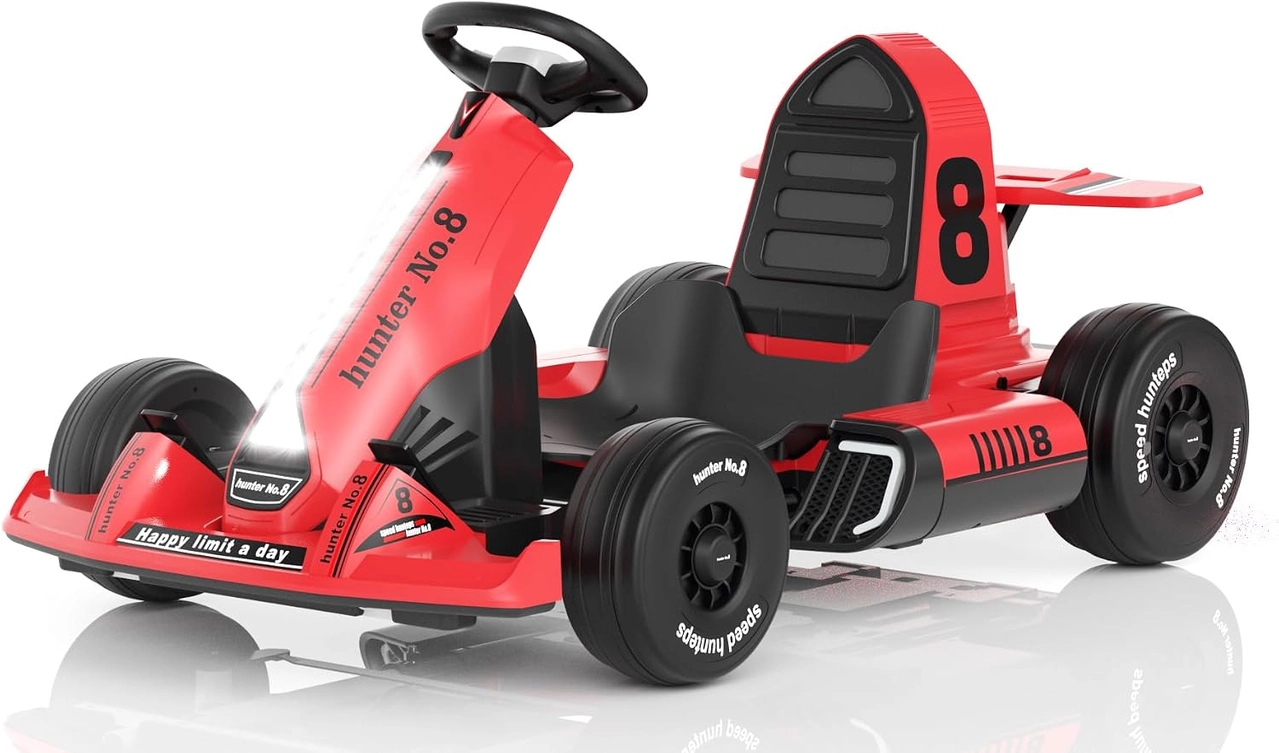
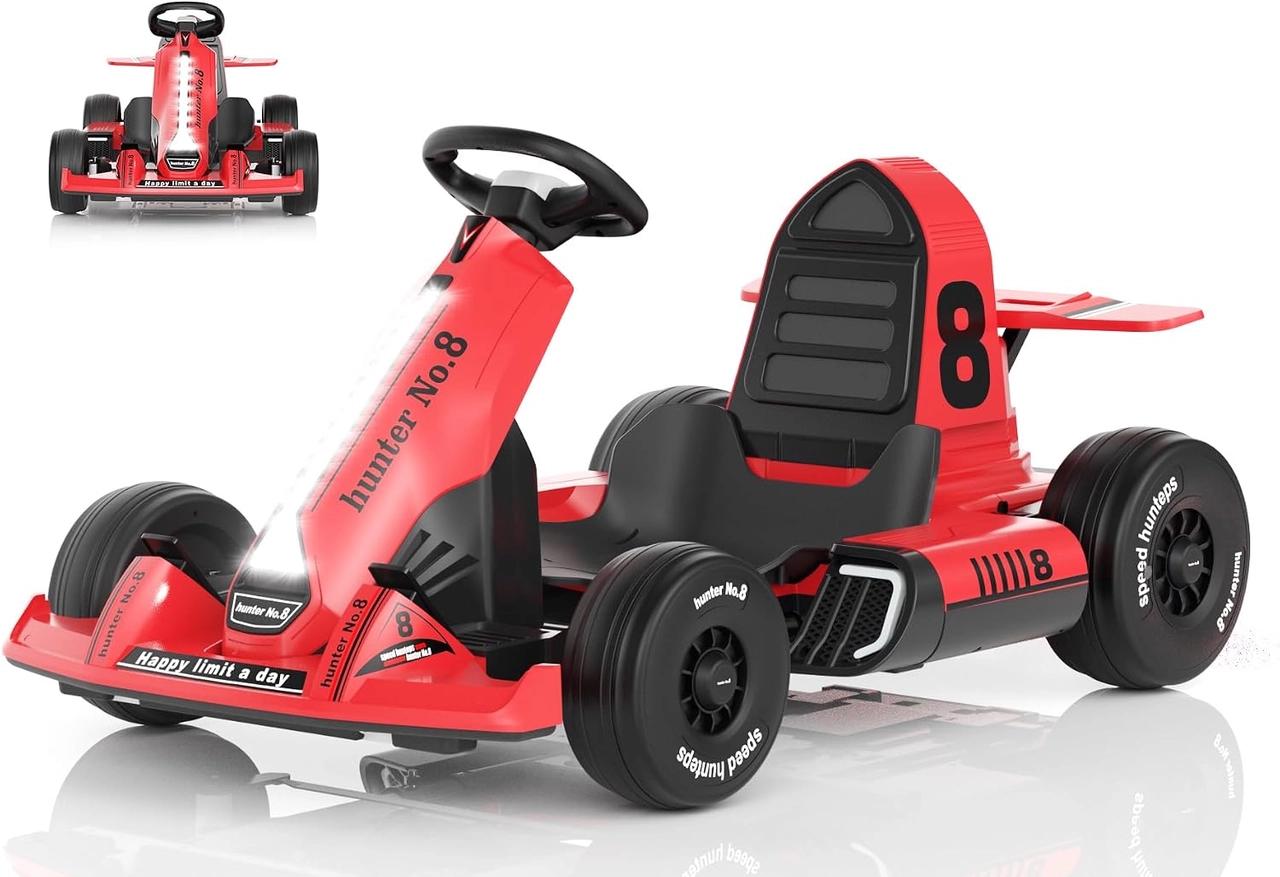
The XJD Red 12V and XJD Red 24V Kids Go Karts both offer parent and manual control modes, yet their voltage tier and control components differ. They make a useful same-color comparison: appearance does not prove that remotes or receivers are interchangeable, and pairing must follow the exact selected kart's documentation.
Related reading on this site
For the next step, compare this check with our kids go kart overview and remote control troubleshooting guide. These pages provide nearby fit, component, or maintenance context without replacing the exact product manual.
Practical checklist
- Match the exact remote and model.
- Use fresh specified batteries.
- Repeat only the documented sequence.
- Test every command without a child.
Frequently asked questions
Why does the remote flash but not connect?
The kart may be in the wrong startup state, too far away, already paired differently, or using an incompatible or weakly powered remote.
Can one remote control two kids go karts?
Only if the manufacturer explicitly documents that configuration and a safe pairing procedure.
Before making the final choice, revisit the exact route or driving area at the time it will normally be used. A setup that works during a quiet test may need more room, visibility or adult support when other people and everyday obstacles are present.
Bottom line
Use the answer to kids go kart remote not pairing as a decision process, not a shortcut. Confirm the live product data and manual, match the rider to the controls and setting, and favor repeatable control over a larger size or higher performance label.


