Kids Go Kart Remote Control Not Working: Safe Checks
When a kids go kart remote control is not working, remove the child and park the kart before troubleshooting. The wrong mode, depleted remote batteries, lost pairing, incorrect startup order, range or interference can all look like failure. A parent remote is a supervision aid, not the kart's primary safety system, so do not continue a child session while its behavior is uncertain.
Define what the remote fails to do
Record whether no button responds, steering works but movement does not, stop works intermittently or the problem appears only beyond a certain distance. Note the kart's lights, sounds and manual-pedal response. This distinction helps separate remote power, pairing, selected mode and vehicle control issues without opening either device.
Check batteries and orientation
Switch everything off and replace or test remote batteries only with the type listed in the instructions. Confirm polarity, clean dry contacts and a securely closed compartment. Do not mix old and new cells, chemistries or brands, and remove leaking or swollen batteries without skin contact according to local disposal guidance. A lit remote display does not prove strong transmission under load.
Repeat the exact pairing sequence
Use the model-specific order, distance and indicator pattern for pairing. Keep the pedal released, the child out and the drive area clear. Some products require holding a button while powering the kart; others do not. Avoid borrowing a remote from a similar kart unless the manufacturer explicitly confirms compatibility and a safe pairing method.
Control range and interference
Test at close range in a clear private area with fresh batteries, then remain inside the stated range. Metal structures, other wireless toys and low batteries may affect response. Do not plan a route that depends on remote range, and never stand directly in front of or behind the kart during testing. Manual stopping and direct adult reach remain essential.
Escalate inconsistent control
Unexpected motion, delayed stopping, commands that trigger the wrong action, melted parts, odor or a remote that repeatedly loses pairing requires support. Keep panels closed unless an owner procedure is documented. Do not bridge receiver wires, replace a controller by appearance or bypass manual controls. After authorized service, an adult verifies every command at the lowest setting.
How current product examples clarify the choice
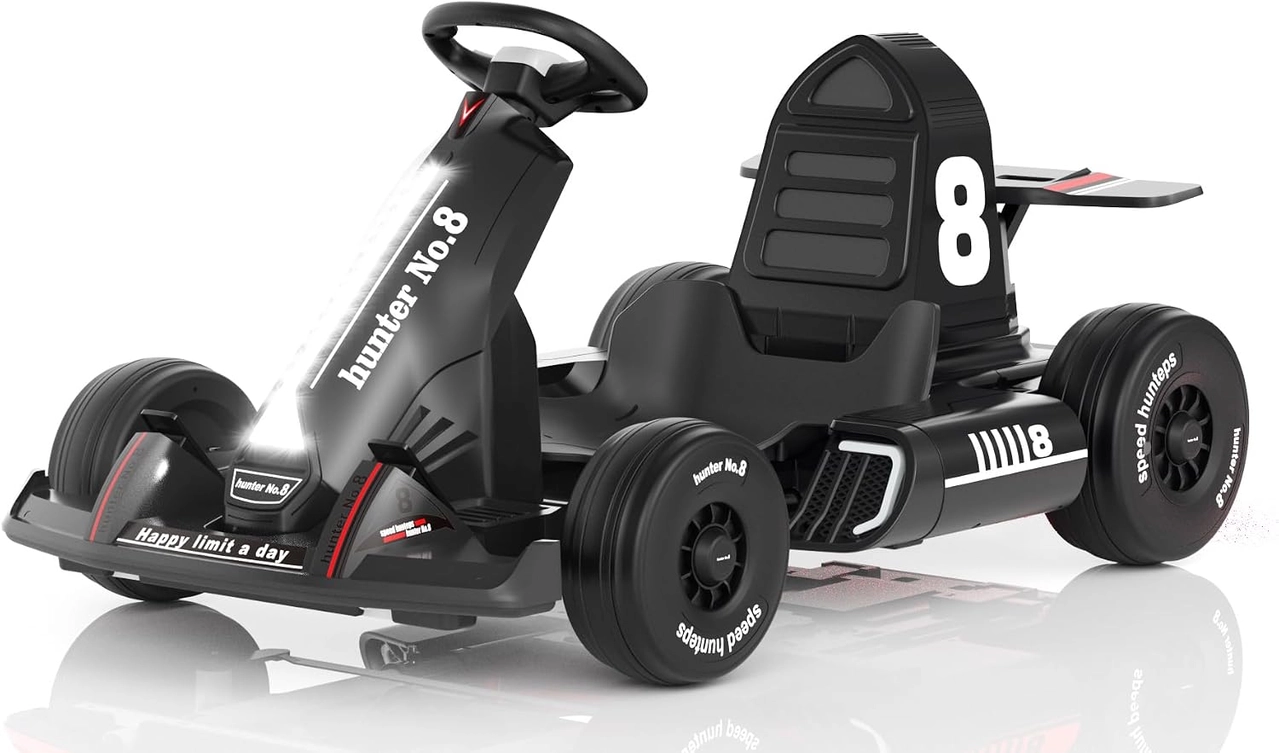
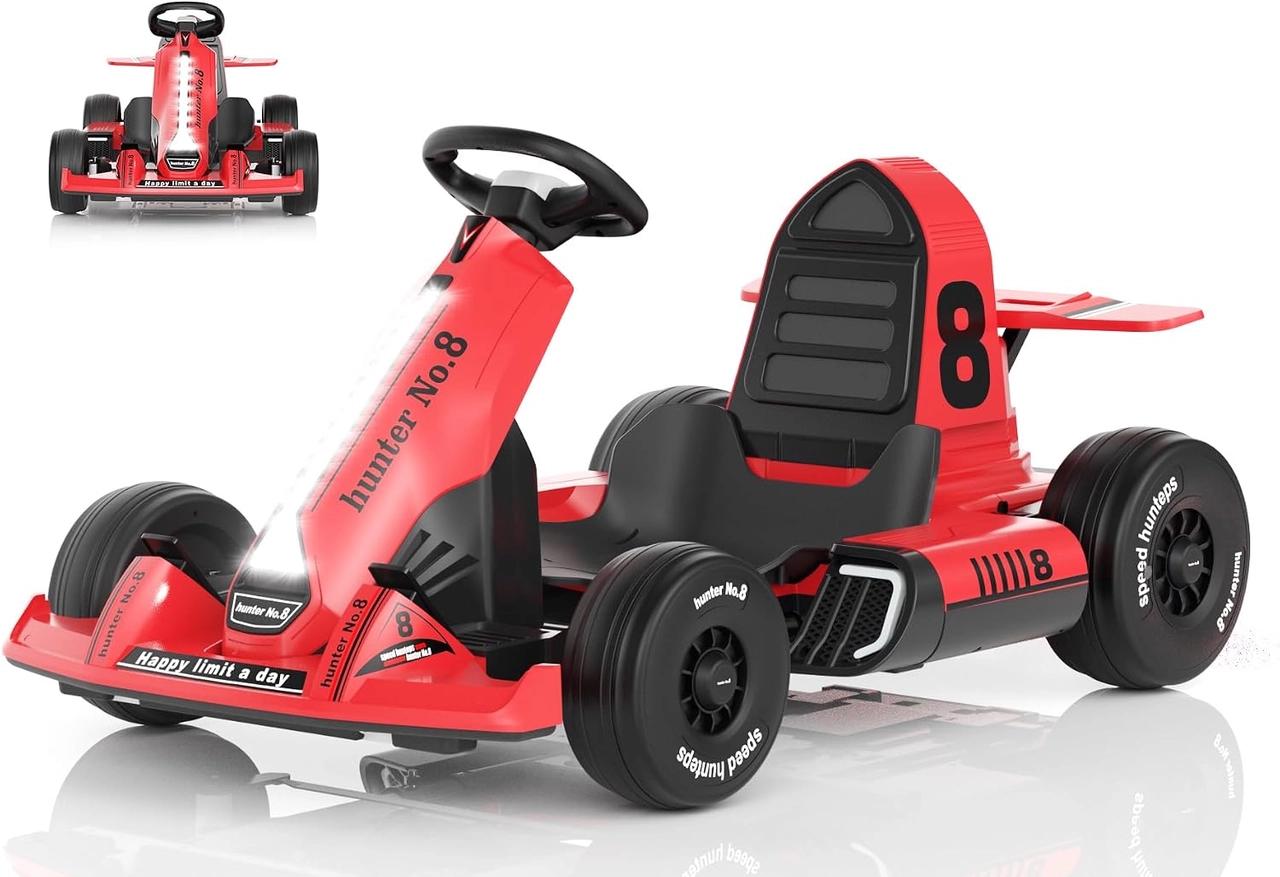
The XJD Black 12V Kids Go Kart and XJD Red 24V Kids Go Kart both include parent-remote and manual modes, despite belonging to different voltage tiers. That makes mode and input comparison useful, but it does not make their remotes, receivers or controllers interchangeable. Pairing must follow the exact selected product's instructions.
Practical checklist
- Remove the child before diagnosis.
- Check remote batteries and mode first.
- Use only the exact pairing sequence.
- Stop for delayed or unexpected commands.
Frequently asked questions
Why does the go kart work by pedal but not remote?
The kart has basic power, but remote batteries, mode, pairing, range or the remote-control path may still need attention.
Can I use another ride-on toy remote?
Only when the manufacturer confirms exact compatibility; a similar appearance or frequency label is not enough.
Before making the final choice, revisit the exact route or driving area at the time it will normally be used. A setup that works during a quiet test may need more room, visibility or adult support when other people and everyday obstacles are present.
Bottom line
Use the answer to kids go kart remote control not working as a decision process, not a shortcut. Confirm the live product data and manual, match the rider to the controls and setting, and favor repeatable control over a larger size or higher performance label.


