Kids Go Kart Function Screen: What Should Parents Check?
A kids go kart function screen can provide access to audio and other documented settings, but icons and button sequences are not universal. Parents should read the exact panel guide, make selections while stationary and keep the child focused on steering and stop commands rather than menus during driving.
Map every control before movement
With the kart parked and secured as instructed, identify power, volume, source and any display indicators from the manual. Do not guess that an icon changes speed, direction or pairing. Label meanings can differ even when two panels look alike.
Set audio with the adult device
Complete Bluetooth or FM setup before seating the child. Keep the phone with the supervising adult, disable distracting notifications and choose low volume. The rider must hear their name, the agreed stop cue and surrounding activity clearly.
Watch startup behavior
Note the normal screen sequence for the exact model. Flicker, repeated restart, missing segments, heat, odor or controls freezing alongside drive trouble can indicate an electrical issue. Power down and contact support rather than repeatedly cycling switches.
Keep the panel dry and unobstructed
Use only the approved cleaning method and do not spray liquid into buttons, ports or seams. Avoid stickers that hide warnings or indicators. Close port covers as directed and never connect an unapproved USB device or charger.
Separate entertainment from driving
The screen is not a toy to explore while moving. An adult controls playlists and settings from outside the route. If the child looks down, reaches for buttons or misses instructions, turn audio off and return to a simple driving drill.
How current product examples clarify the choice
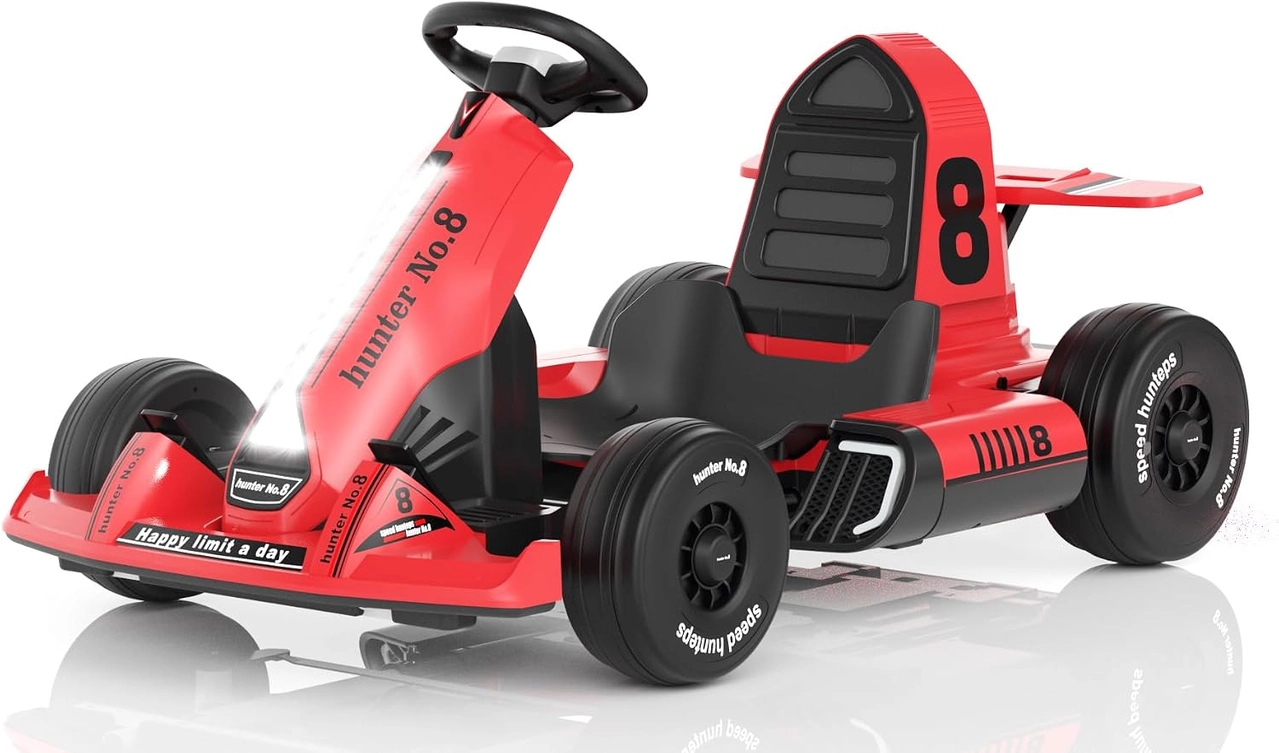
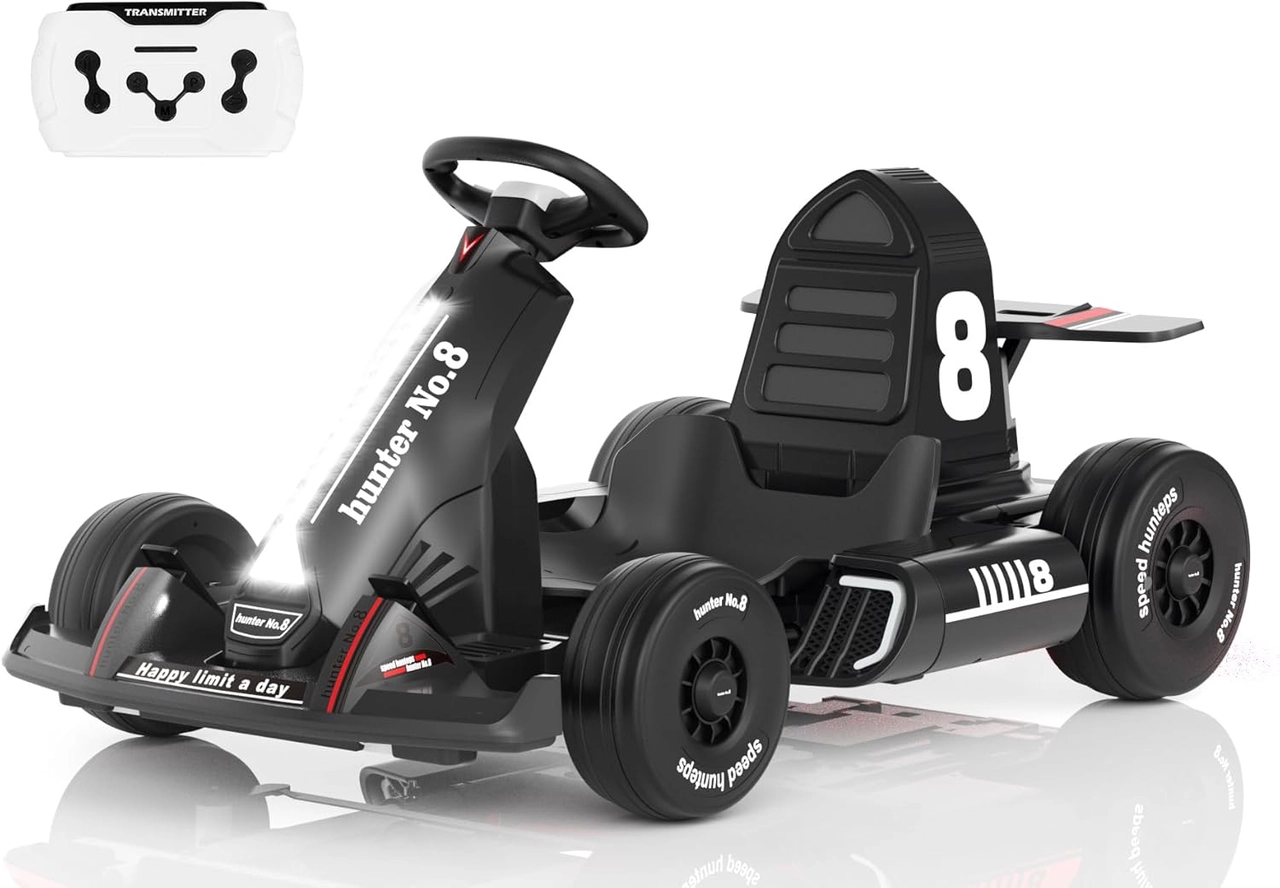
The XJD Red 12V Kids Go Kart and XJD Black 24V Kids Go Kart both list Bluetooth and FM audio with a JR-1956M visual function panel. Their voltage and speed tiers differ, so shared screen wording does not make other controls or troubleshooting steps interchangeable.
Practical checklist
- Identify icons from the exact guide.
- Configure audio while stationary.
- Keep stop commands audible.
- Power down for heat, odor or repeated resets.
Frequently asked questions
Does the screen show battery percentage?
Do not assume so; verify each symbol and indicator in the exact panel instructions.
Can a child change music while driving?
No. An adult should prepare settings before movement and keep the rider's attention on control and supervision.
Before making the final choice, revisit the exact route or driving area at the time it will normally be used. A setup that works during a quiet test may need more room, visibility or adult support when other people and everyday obstacles are present.
Bottom line
Use the answer to kids go kart function screen as a decision process, not a shortcut. Confirm the live product data and manual, match the rider to the controls and setting, and favor repeatable control over a larger size or higher performance label.


