How to Pair a Kids Go Kart Parent Remote
How to pair a kids go kart parent remote depends on the controller and remote supplied with the exact model. Button sequences, indicators and power order can differ, so a generic pairing code can create confusion. Use the manual and model identifiers, install the specified remote batteries and perform the first test with no child in the kart.
Confirm the remote belongs to the kart
Compare model, controller and remote identifiers with the documentation. A remote that looks identical may use another frequency, receiver or pairing method. Do not buy a replacement or attempt pairing solely from color and button layout.
Prepare the test area
Charge the kart as instructed, fit fresh approved remote batteries and move to a dry open area away from traffic and obstacles. Keep the child outside the kart. Check that the manual or remote-control mode selector is in the position required for pairing.
Follow the exact sequence once
Use the documented order for remote button, indicator and kart power. Watch for the stated confirmation light or sound. If it fails, power down and repeat only as instructed; rapidly trying unrelated button combinations can hide the original problem.
Test every approved function
With drive wheels safely positioned according to the manual, verify direction, speed selection and stop or override response. Then test at the shortest practical distance on the ground with no rider. Confirm what happens after power cycling or a lost signal.
Treat the remote as a backup
Store it dry and out of children's reach, and check its operation before each session. Range can be affected by batteries, obstacles and interference. Close adult supervision and a clear low-speed area remain necessary even when pairing succeeds.
How current product examples clarify the choice
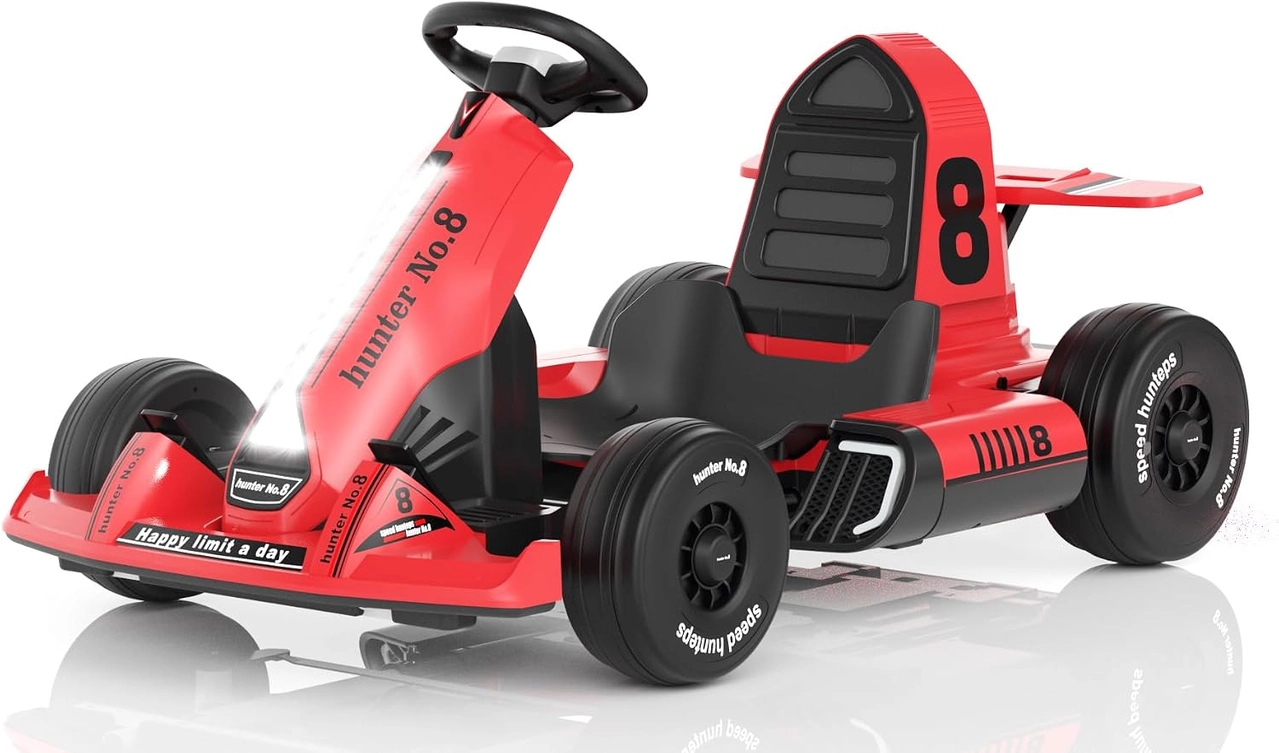
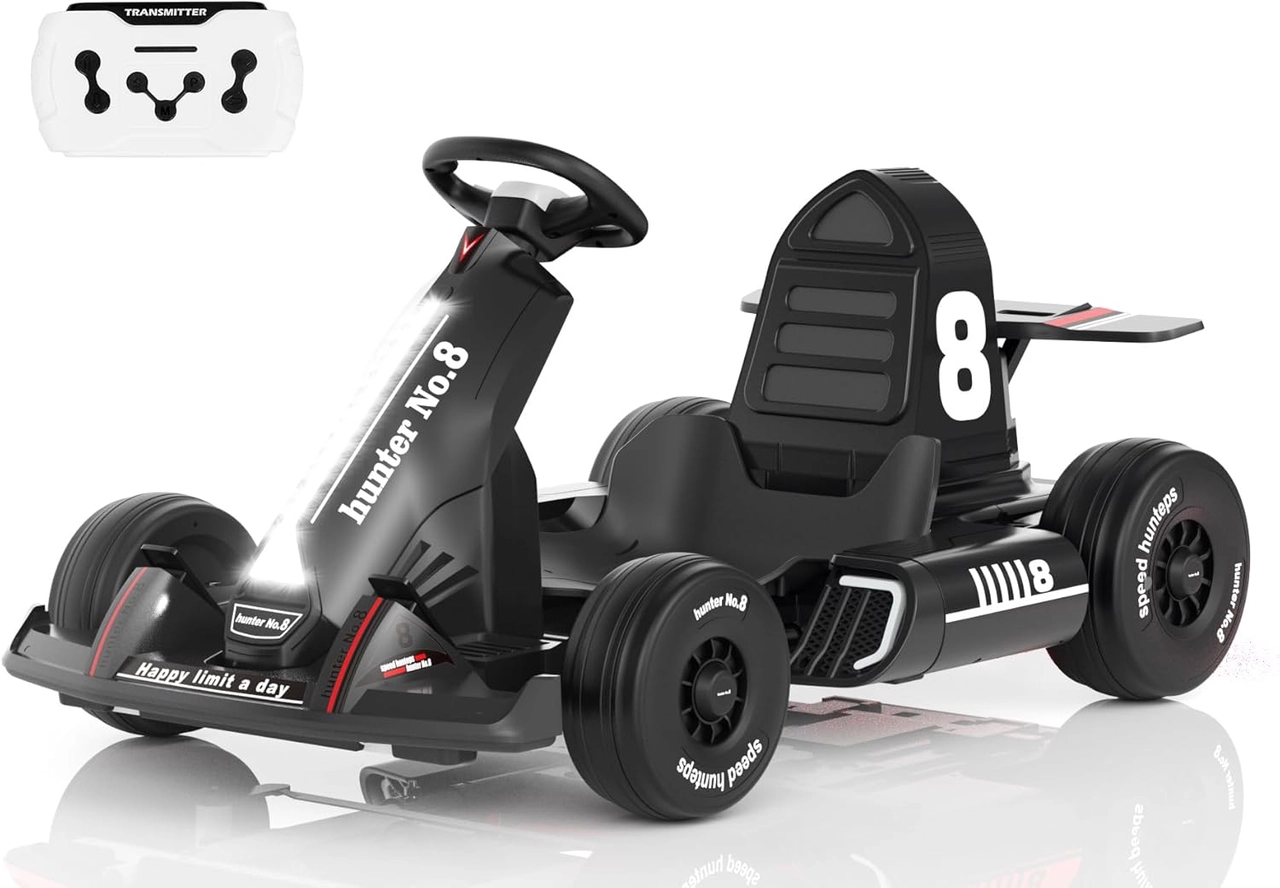
The red 12V and black 24V XJD go karts both list parent-remote and manual driving modes. They are useful current examples of the feature, but the voltage label does not supply the pairing steps; owners must use the remote and manual shipped with their selected model.
Practical checklist
- Match the exact remote and controller.
- Pair with no child in the kart.
- Verify every approved function and signal behavior.
- Retest before each riding session.
Frequently asked questions
Are kids ride-on remotes universal?
No. Appearance does not prove frequency, receiver or protocol compatibility.
Does a paired remote replace supervision?
No. It is an intervention aid, not a substitute for close adult attention and a clear riding zone.
Before making the final choice, revisit the exact route or driving area at the time it will normally be used. A setup that works during a quiet test may need more room, visibility or adult support when other people and everyday obstacles are present.
Bottom line
Use the answer to how to pair a kids go kart parent remote as a decision process, not a shortcut. Confirm the live product data and manual, match the rider to the controls and setting, and favor repeatable control over a larger size or higher performance label.


