Bluetooth Kids Go Kart Music: Safe Setup Guide
Bluetooth kids go kart music can make a supervised session more enjoyable, but pairing and playlist choices should never compete with steering or adult instructions. Complete the connection while the kart is stationary with no child driving. Keep volume conservative, secure the phone with the adult and confirm the rider can hear the stop cue before movement.
Pair before the session
Use the exact display and Bluetooth instructions, because device names and button sequences vary. Park with power managed as directed and keep the riding zone closed. Do not ask the child to search menus, enter codes or hold a phone while seated at the controls.
Use an adult-controlled device
Disable notifications that could interrupt playback or tempt interaction. The adult retains the phone outside the route and chooses a short playlist in advance. Never place a loose device on the seat, body or floor where it can fall near pedals or wheels.
Keep instructions audible
Set volume low enough that the child can immediately hear their name and the agreed stop command from the supervision position. Test this while stationary and again at the route edge. If music masks warnings or changes attention, switch it off.
Protect hearing and focus
Louder sound and longer exposure increase hearing risk. Avoid headphones or earbuds during driving because they can block environmental cues. Use the built-in speaker conservatively and include quiet breaks rather than treating maximum volume as normal.
Disconnect safely
End playback and power down through the instructions before storage or charging. Remove saved pairing when using a shared or unfamiliar phone. Stop for display heat, electrical odor, freezing controls or audio behavior that appears alongside drive-system trouble.
How current product examples clarify the choice
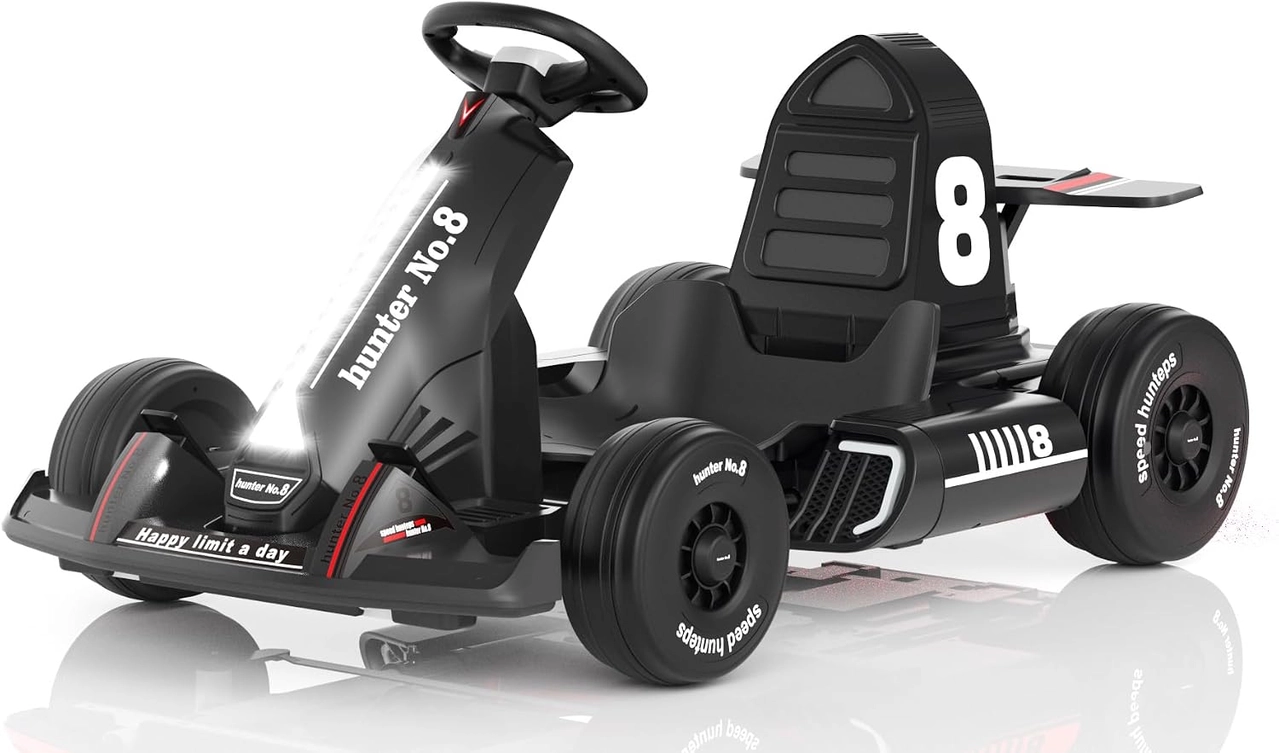
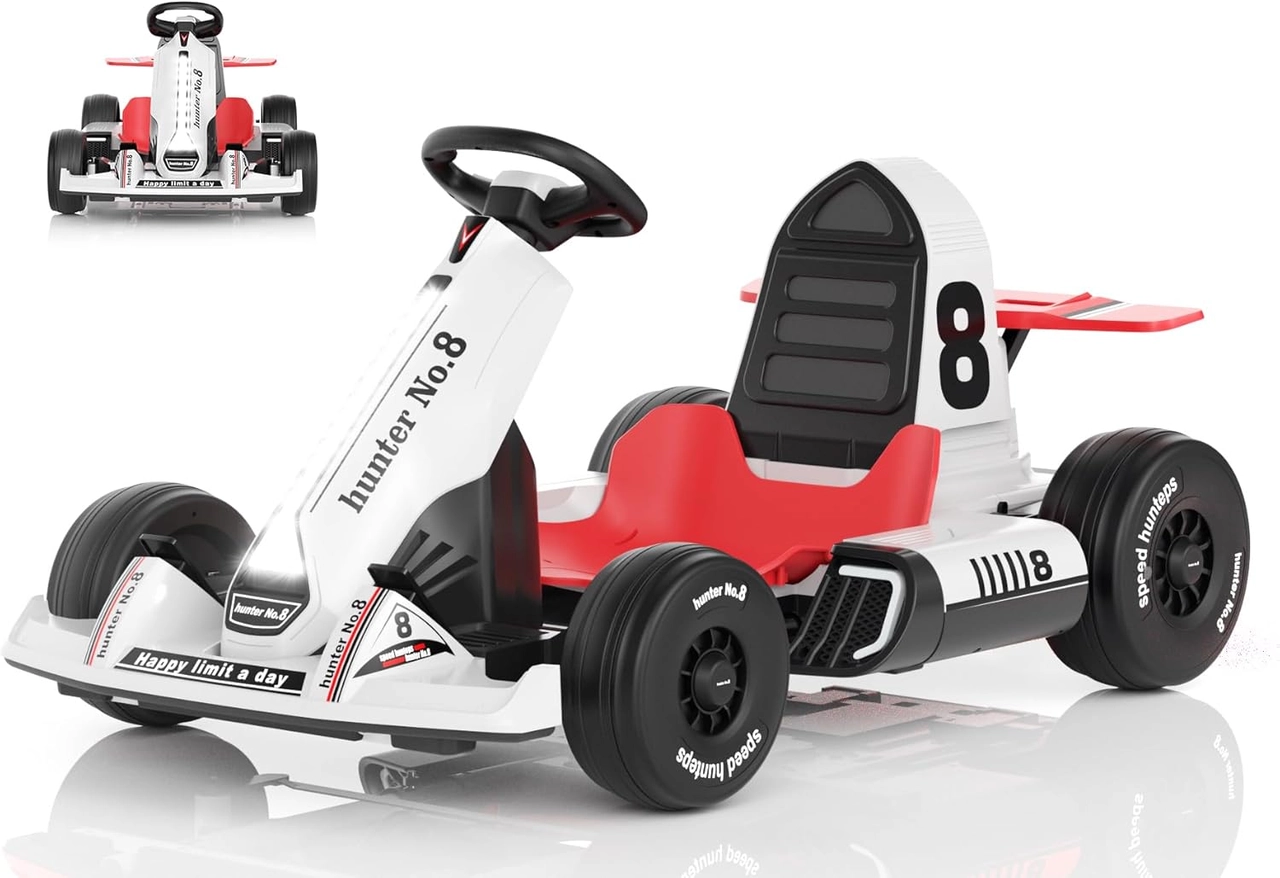
The black 12V and white 24V XJD karts both list Bluetooth and FM audio with a visual function screen. Their pages confirm the feature, while pairing steps, volume controls and electrical troubleshooting must come from the documentation supplied with the selected voltage model.
Practical checklist
- Pair while stationary.
- Keep the phone with the adult.
- Confirm stop commands remain audible.
- Use low volume and quiet breaks.
Frequently asked questions
Should a child wear headphones in the kart?
No. They can mask adult instructions and environmental sounds.
Is the Bluetooth name the same on every kart?
Do not assume so; use the exact model instructions and display.
Before making the final choice, revisit the exact route or driving area at the time it will normally be used. A setup that works during a quiet test may need more room, visibility or adult support when other people and everyday obstacles are present.
Bottom line
Use the answer to Bluetooth kids go kart music as a decision process, not a shortcut. Confirm the live product data and manual, match the rider to the controls and setting, and favor repeatable control over a larger size or higher performance label.


